

This required introductory course takes you on a CNC machining journey from digital concepts to tangible creations. Mastering the Nomad 3 Desktop CNC Mill opens up a world of possibilities. Learn to use it and bring your ideas to life with precision and ease.
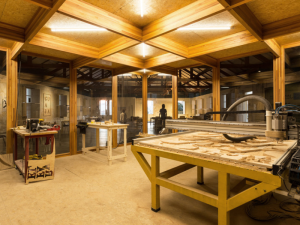
Uses: Ideal for furniture making, decorative items, prototypes, and detailed carvings due to their durability and ease of machining.
Uses: These materials are versatile and easy to machine, suitable for signage, display stands, enclosures, and custom parts.
Uses: Ideal for creating prototypes, architectural models, and detailed carvings due to their ease of machining and excellent strength-to-weight ratio.
Uses:
Metals are used for making machine parts, intricate metal components, jewelry, and prototypes, providing strength and precision.
These materials give you many options to create anything from detailed prototypes to personalized gifts and functional parts.
Selecting the right material is not just about achieving the desired outcome in your projects; it’s also about maximizing the capabilities of the Nomad 3 Desktop CNC. By considering the hardness, density, and flexibility of each material, you can improve your machine’s settings to enhance performance and extend its lifespan.
Hardness: Hard materials like metals (aluminum, brass) require specific settings on the NOMAD 3 to ensure clean cuts without damaging the tool or material. Soft materials like plastics (acrylic, HDPE) can be machined with greater speed and less force.
Density: The density of a material affects how much resistance it offers to the cutting tool. Denser materials need slower speeds to support accuracy and prolong tool life.
Flexibility: Flexible materials like certain plastics and composites may need specialized fixtures or supports to prevent movement during routing, ensuring precision and reducing waste
Material Suitability: Choose materials based on the final use of the machined part. For example, use durable, hard materials for parts requiring structural strength and softer, more adaptable materials for prototypes or artistic projects.
NOMAD 3’s Versatility: Leverage the NOMAD 3’s ability to handle diverse materials to experiment with mixed media projects or to innovate in your design choices.
Test Cuts: Always perform test cuts with new materials to calibrate your settings accurately. This ensures that the actual project will be executed with the highest quality.
Consult Material Guides: Use material guides and resources to understand the best practices for each type of material you plan to machine on the NOMAD 3.
Tool Selection: Match the tool to the material. Use sharp, carbide tools for harder materials to reduce wear and specialized plastics-cutting tools for acrylics and similar materials to prevent melting or chipping.
Different types of CNC machines are designed for various manufacturing needs, from industrial operations to desktop applications:
A CNC laser cutter is a type of computer-controlled machine that uses a high-powered laser beam to cut, etch, or engrave materials with precision. It's ideal for creating detailed designs and patterns on a wide range of surfaces.
Key Features: Uses focused laser light for clean, accurate cuts Works with materials like wood, acrylic, leather, and more Great for engraving text, logos, and intricate graphics Ideal for signage, crafts, prototyping, and personalization
Laser cutters are widely used in both industrial settings and maker environments for their speed, precision, and versatility.
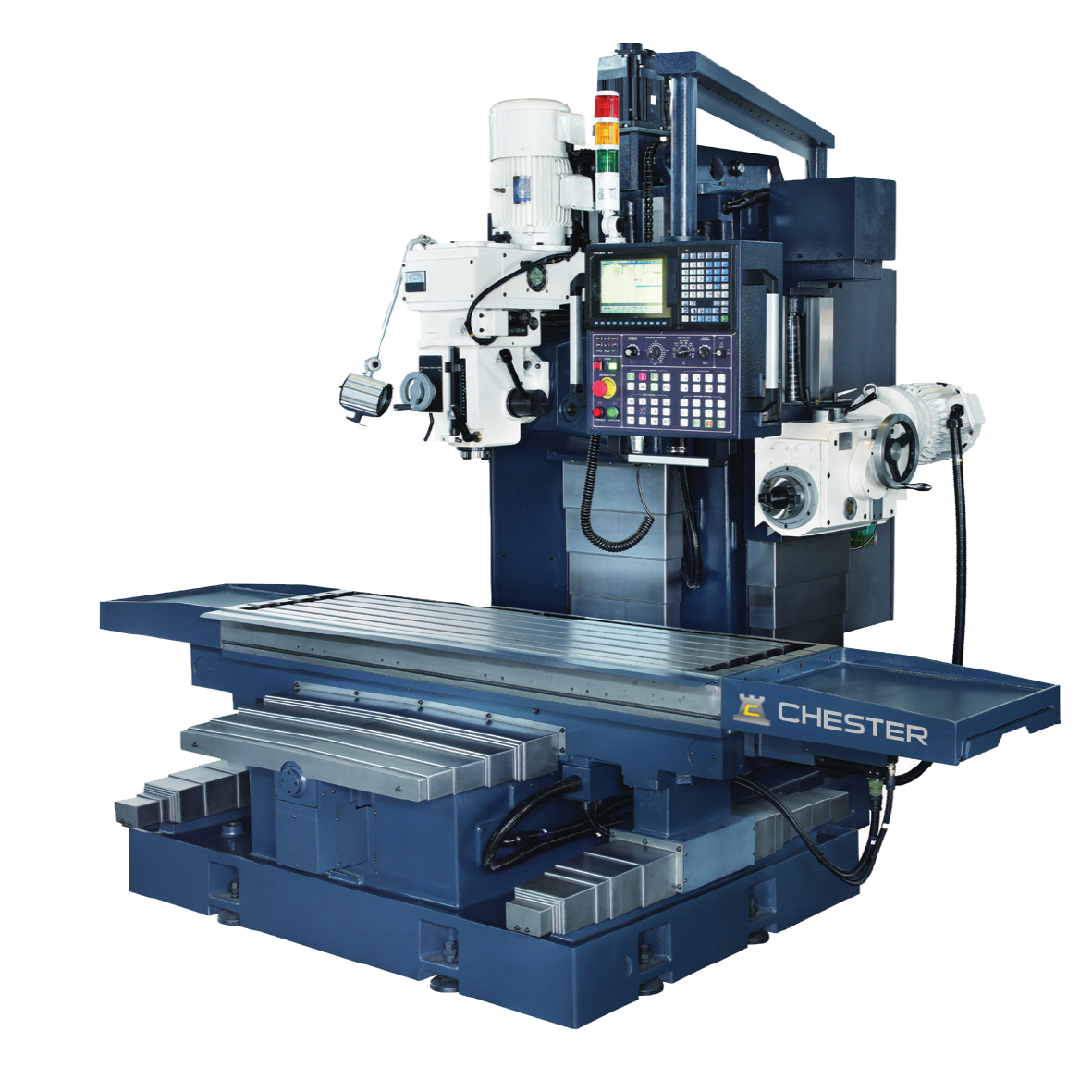
A CNC mill uses rotating cutting tools to remove material from a solid block (called a workpiece) to create precise shapes and features. It’s commonly used in metalworking, manufacturing, and prototyping.
Key Features: Cuts and shapes metal, plastic, and other materials Ideal for creating complex parts with high accuracy Performs drilling, boring, and contouring operations Widely used in engineering, fabrication, and product design
CNC mills offer high precision and repeatability, making them essential for many industries.
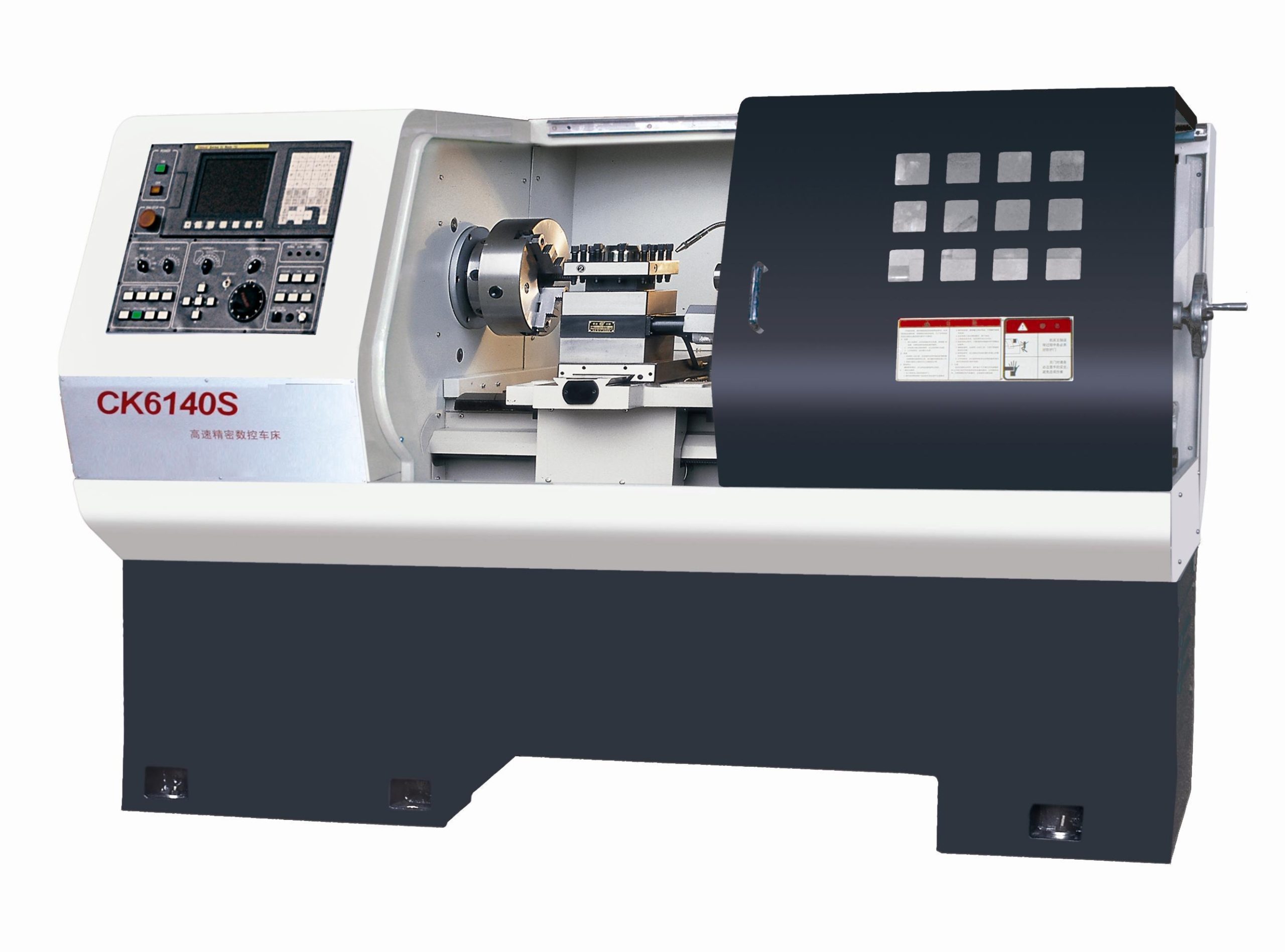
A CNC lathe spins the workpiece while cutting tools shape it, making it ideal for creating cylindrical or round objects. It’s commonly used for parts like shafts, bolts, and rings.
Key Features: Turns material while stationary tools cut and shape it Best for round or symmetrical parts Commonly used with metals, plastics, and wood Supports threading, facing, and tapering
CNC lathes are valued for their efficiency and precision in producing uniform parts.
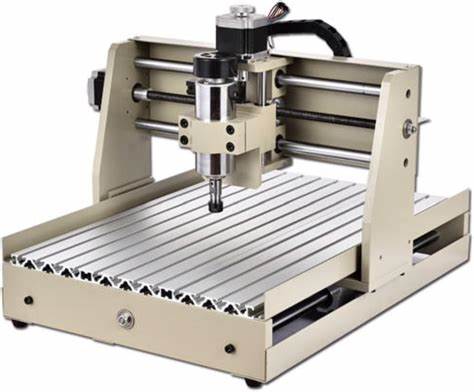
A CNC router is similar to a CNC mill but is optimized for cutting softer materials like wood, plastic, and foam. It’s often used in sign-making, cabinetry, and artistic projects.
Key Features: Uses spinning bits to cut and carve flat or 3D designs Great for wood, MDF, plastic, and soft metals Often used for signs, furniture, and decorative work Works from digital design files for consistent results
CNC routers are a favorite in maker spaces and workshops for their ease of use and versatility.
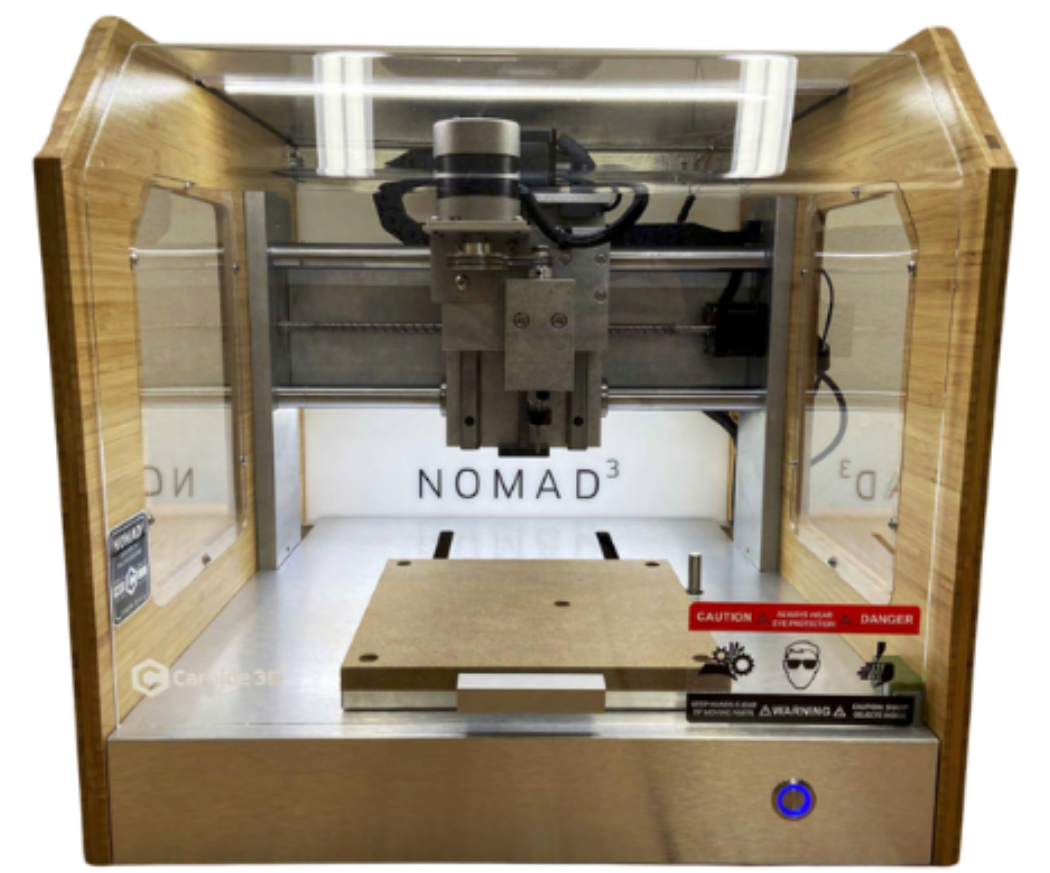
The Nomad 3 Desktop CNC Mill is a powerful, compact machine perfect for beginners. Easy to use, it excels at precision cutting, engraving, and milling.
Create a wide range of projects, including custom jewelry, signs, gifts, and models, with ease and accuracy.
Understanding the basic anatomy of the CNC will help you operate the machine safely and effectively. Each label is taken directly from the manual to ensure accuracy and clarity. Click on the nodes on the graphic below to learn more about each part. Additionally, you can view and download a PDF of the parts labelled HERE.
nomad 3 front view
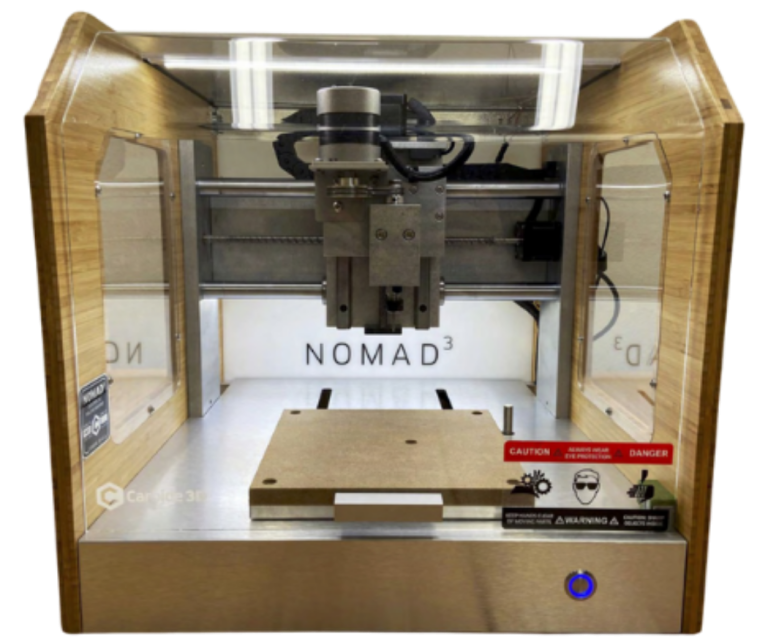
The Spindle Motor:
The Spindle Motor is responsible for driving the spindle, providing the necessary power to rotate the cutting tools at high speeds.
The Spindle:
The Spindle holds and rotates the cutting tools.
Endmill:
The Endmill is a type of cutting tool that is held and rotated by the spindle.
Bitsetter:
The BitSetter automates the process of setting tool lengths, ensuring accurate tool changes.
Interlock:
The Interlock is a safety feature that prevents the machine from running under certain conditions, such as when the door is open, or safety protocols are not followed.
Table:
The Table is a stable, moving surface that supports the wasteboard and the material being cut.
nomad 3 side view
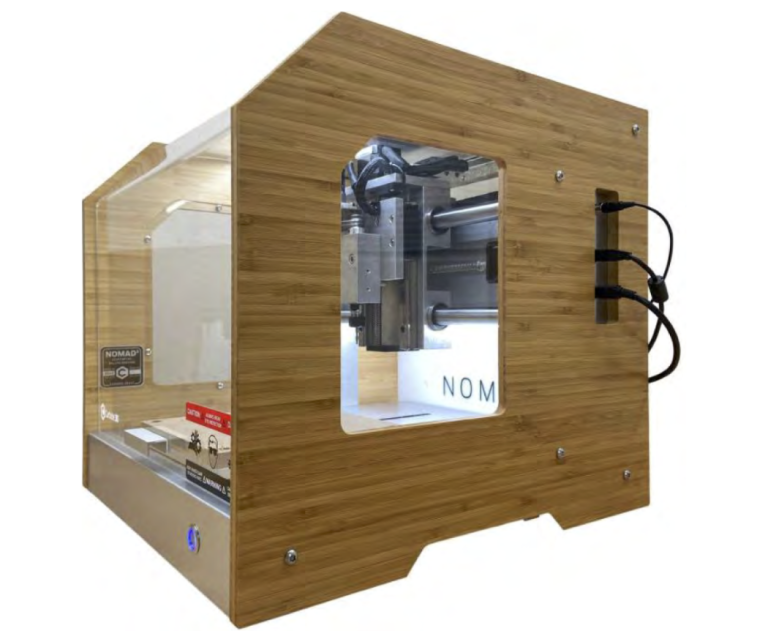
BitZero v2:
The BitZero v2 is a tool used for precise material positioning and zeroing.
USB Port:
The USB Port allows for data transfer and connection to the computer controlling the CNC router.
Power Cord:
The Power Cord supplies electricity to the machine, ensuring it operates correctly.
Understanding the basic anatomy of the CNC will help you operate the machine safely and effectively. Each label is taken directly from the manual to ensure accuracy and clarity. View and download a PDF of the parts labelled HERE.
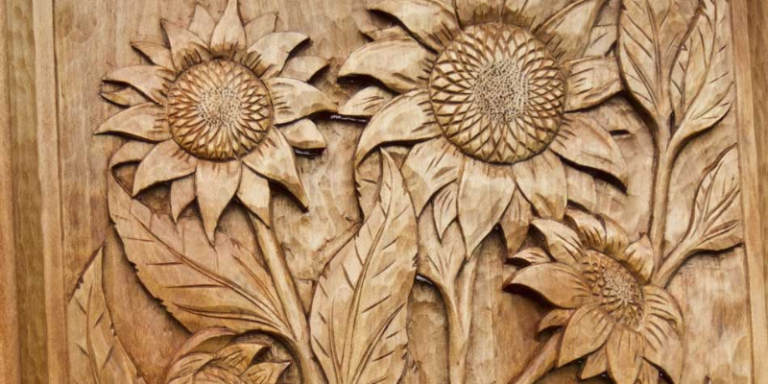
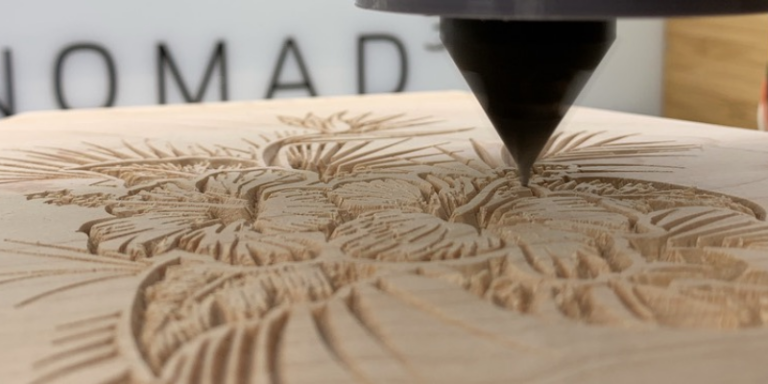
Toolpaths are the programmed routes that CNC machines follow to cut or shape material. There are various types, including contour, pocket, and drill toolpaths, each designed for specific tasks. Properly using toolpaths can significantly reduce machining time and improve the quality of the final product.
Understanding toolpaths and how they work with the Nomad 3 Desktop CNC with Carbide Create or Carbide Motion will bring your projects to the next level!

Let’s quickly sum up our CNC journey:
Now, you’re all set to dive into the next step toward creating your own CNC project!
To ensure everyone uses the CNC Machine safely and responsibly, completing this short quiz is mandatory before you’re able to book time for the machine.
Loading event details…
Putman Family YWCA
52 Ottawa Street North
Hamilton ON 1A1 1A1
Lorem ipsum dolor sit amet, consectetur adipiscing elit, sed do eiusmod tempor incididunt ut labore et dolore magna aliqua.
SCAN FOR MORE INFORMATION OR TO REGISTER IF APPLICABLE:

Tap “Get Started” under:
These will take you to tools that help you discover what you’re looking for.
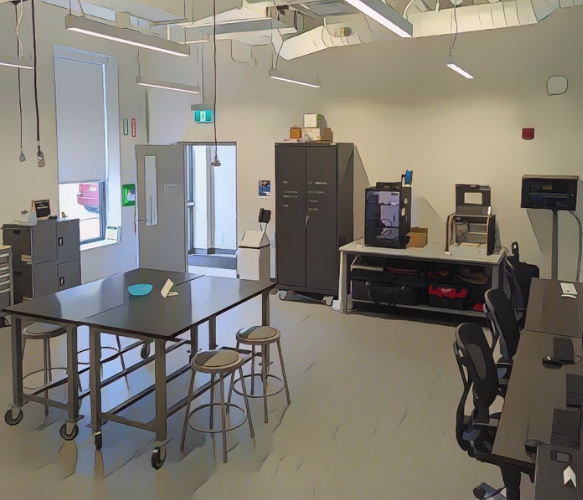
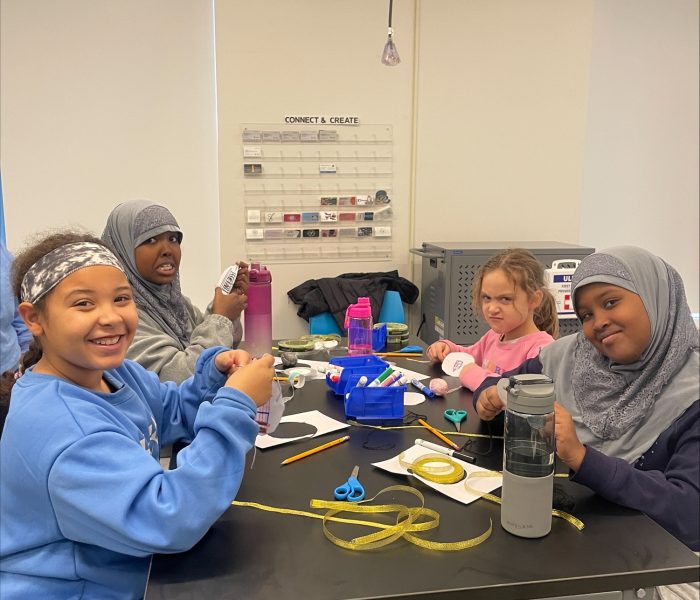

Putman Family YWCA MakerSpace
52 Ottawa Street North,
Hamilton ON
In id cursus mi pretium tellus duis convallis.